Venture vs a spreadsheet
A shared spreadsheet is flexible and can work well for a trip. Tools such as Google Sheets support collaboration and offline access with setup. Venture provides a travel-specific structure and booking import.
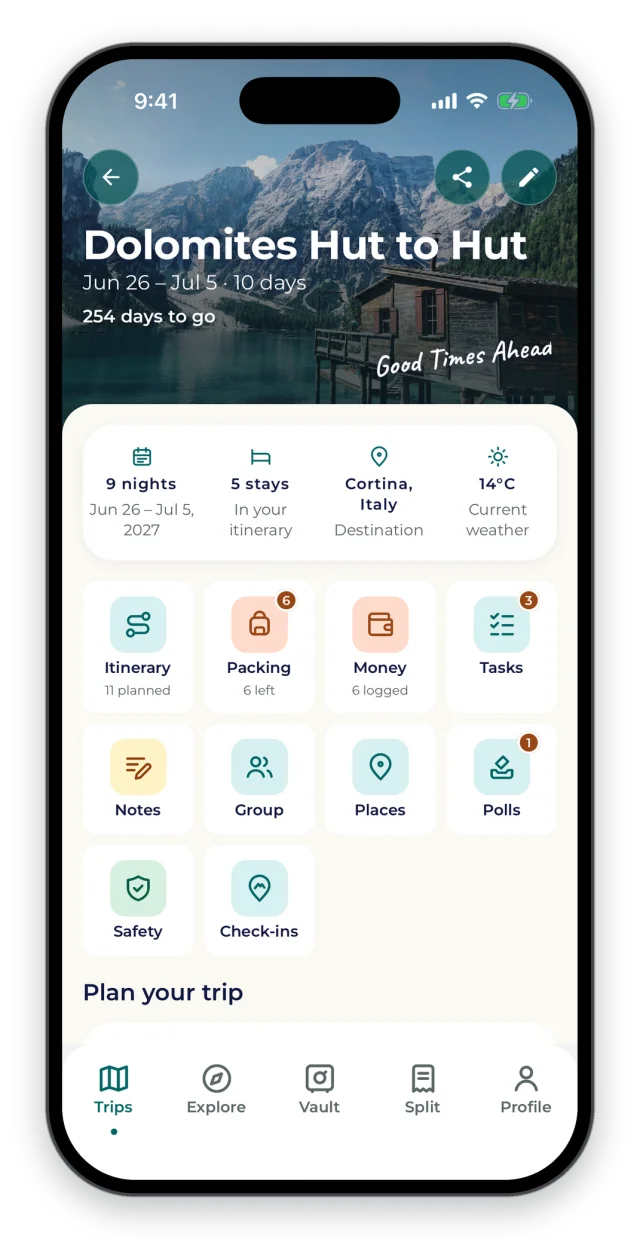
At a glance
Swipe to compare →
| What matters | A spreadsheet | Venture |
|---|---|---|
| Shared editing | Available in collaborative tools | Invite members to a shared trip |
| Offline use | Supported by tools such as Google Sheets with setup | Saved trip information; reconnect to sync |
| Structure | Create your own columns, formulas and checklists | Itinerary, expenses, packing and tasks provided |
| Booking import | Enter details or build your own automation | Forward a confirmation or import a photo/PDF |
| Best fit | Custom models and flexible calculations | A ready-made travel workflow on your phone |
Which fits your group?
Use a spreadsheet when custom formulas and a flexible layout matter most. Try Venture when you would rather start with trip tools and import confirmations than build and maintain a sheet.
Check the original feature information
Venture is free to use and funded by optional partner bookings. Imported details should be reviewed. Connect to import bookings, get new suggestions and sync changes; saved information is available offline.
Spreadsheet vs Venture, answered.
How should I choose between A spreadsheet and Venture?
Use a spreadsheet when custom formulas and a flexible layout matter most. Try Venture when you would rather start with trip tools and import confirmations than build and maintain a sheet.
Is Venture free?
Yes. Venture is free to use, with no subscription. Optional partner bookings help fund the app.
Keep the instinct. Retire the sheet.
Venture is free on iPhone and Android. No subscription, no credit card.